Showing posts with label Android apps. Show all posts

Monday, 7 September 2015

Flazing Icon Pack 2.0 Cracked Apk


FLAZING ICON PACK 

It is a Kind of Personalization Apps For Android Phones and Tablets, Manufatured by Idea Designs. Apksquad Provides You this Apk in Free of Cost fully Cracked Apk.

FEATURES

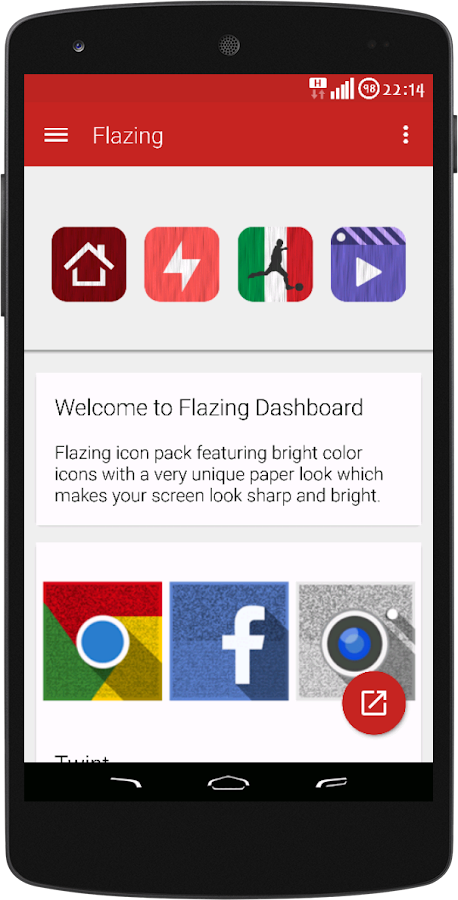
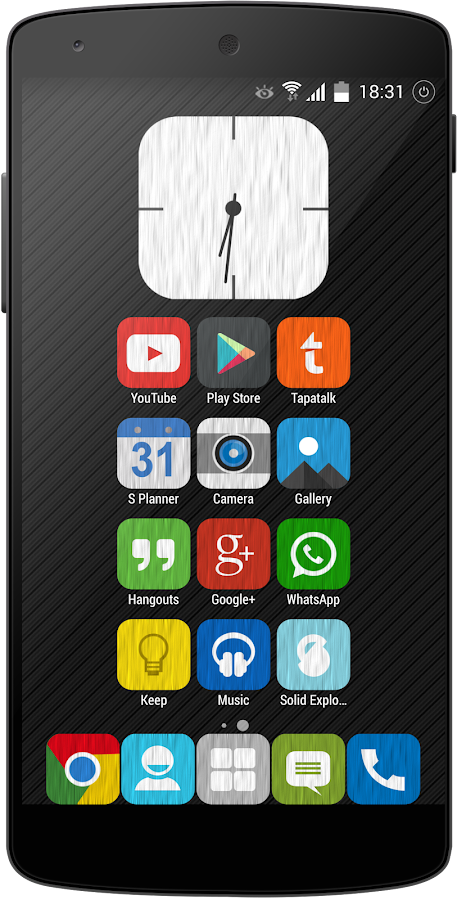
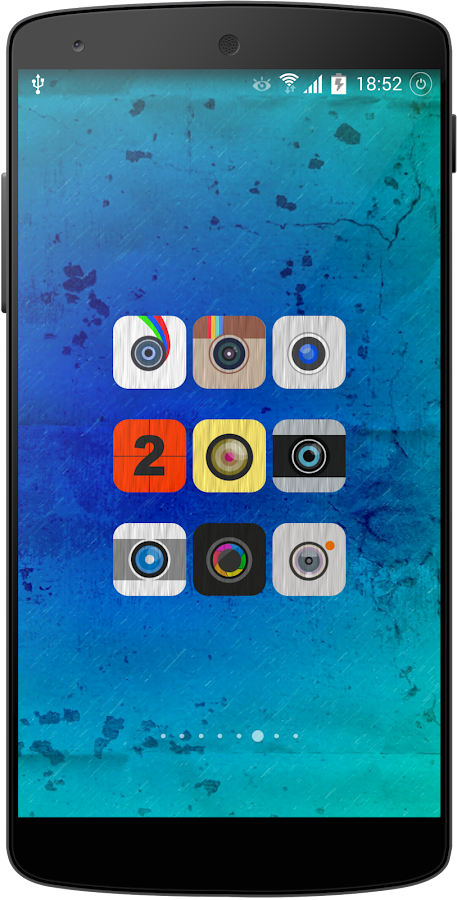
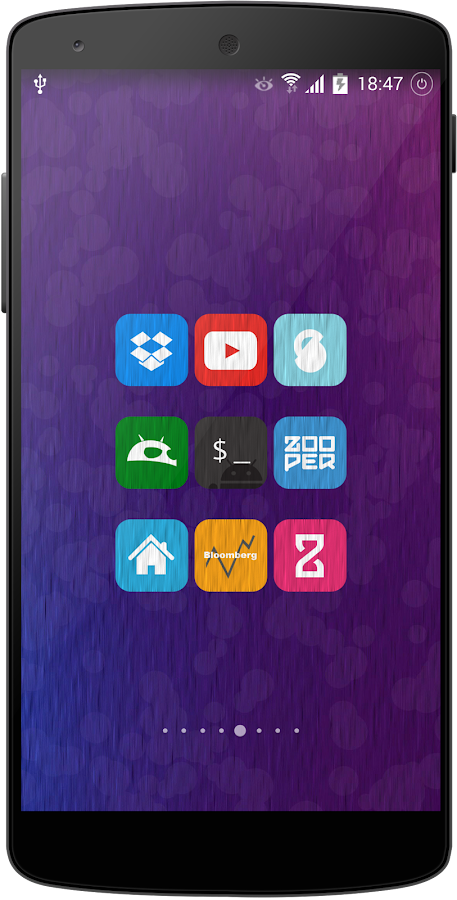
  • Flazing is an Icon Pack Featuring Bright Color Icon set with a very Unique Paper look which Makes Your Screen Look Sharp and Bright.
  • These Icons will make your Device screen comes alive with more than 1650 Icons
  • Perfect Curvy Square High Quality to Amaze your Phone/Tablet
  • Icon Pack Contains
  • 1650 Plus HD icons
  • Dashboard app with Features Like Icon Search ,Request Icons, help Section for Starters, Options to Choose Dashboard App theme
  • 15 Extra App Drawer Icon alternatively to Choose from
  • 10 Coloured Icon Back for Non-themed Icons
  • All HD Icons 192x192
  • Full Muzei Live Wallpaper Support
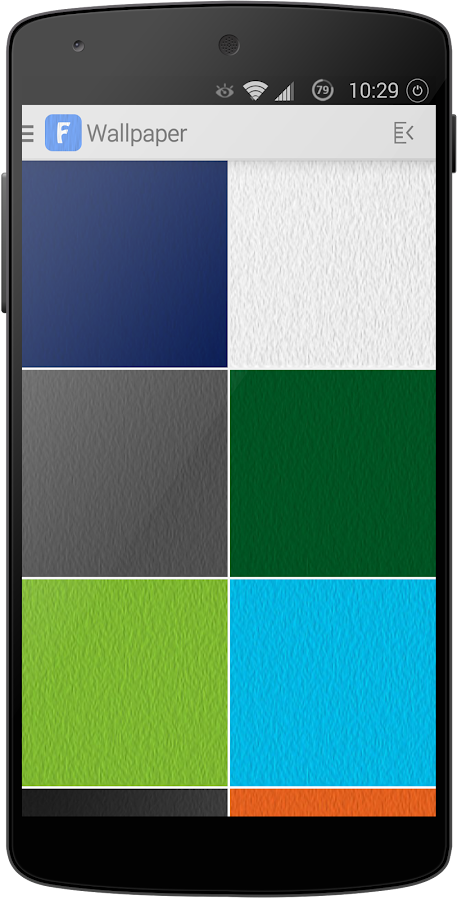
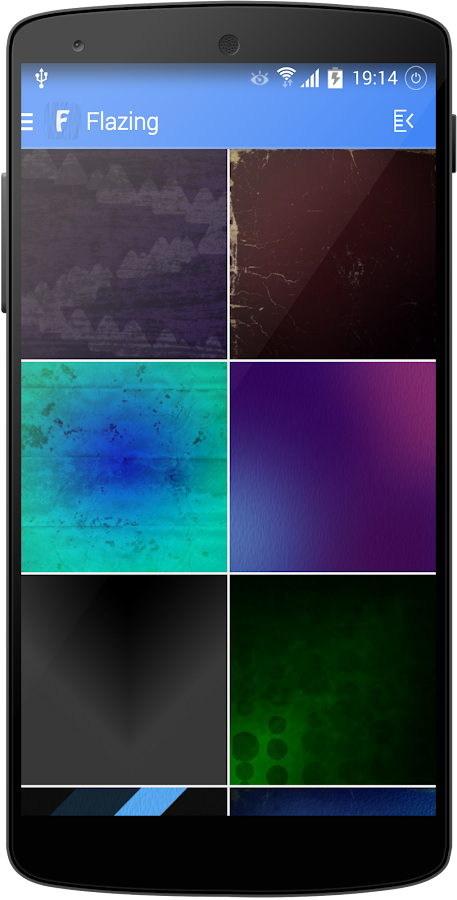
  • 54 HD Wallpapers ,Wallpapers are stored in Cloud Server May take time to Download due to Certain Wallpaper Size Please be Patience.
  • Regular Weekly Updates
Supported Launchers
SUPPORT & SOLUTIONS

       > In Case You Have Issued For Searching Icons From Dashboard App after Updating the App Please Un-install and Re-install the App for time Being till the Bug is Fixed.
    
       > If you Dont Find Your Icon Pack themed in this Pack then Send Requests using Request Icon Feature From the Dashboard App.

      > If Practically not Possible to theme all the Requested icons please send Only those Which are most important for you.


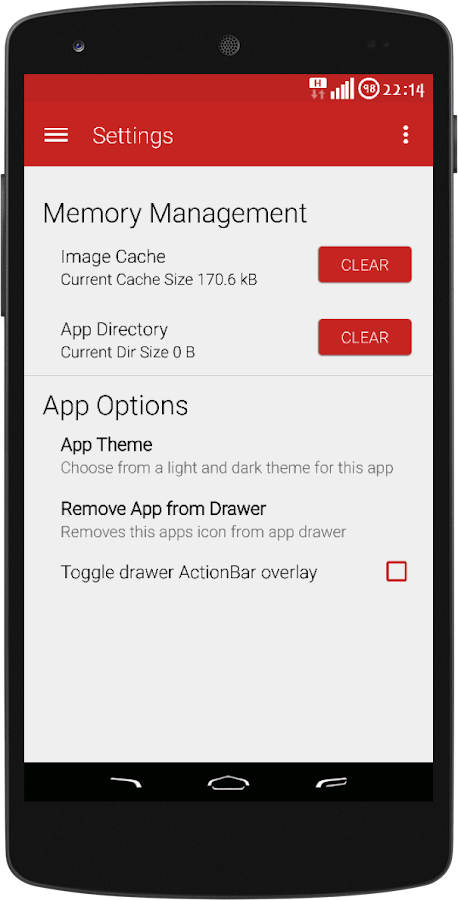
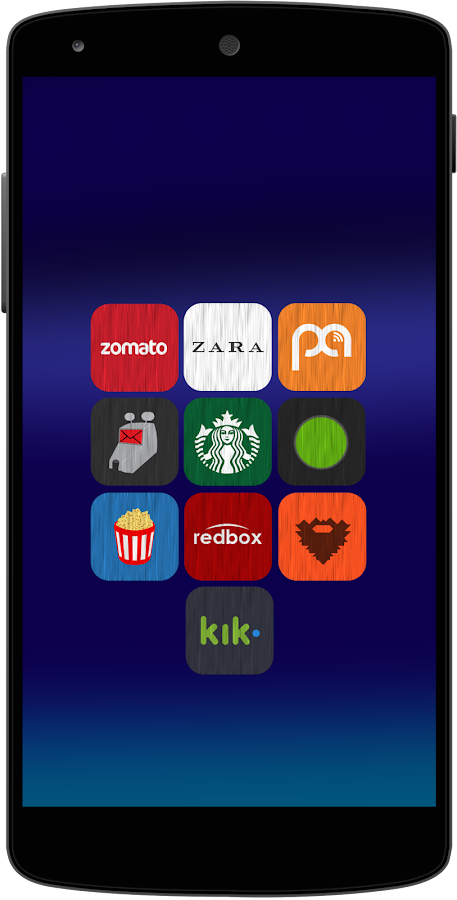
SCREENSHOTS
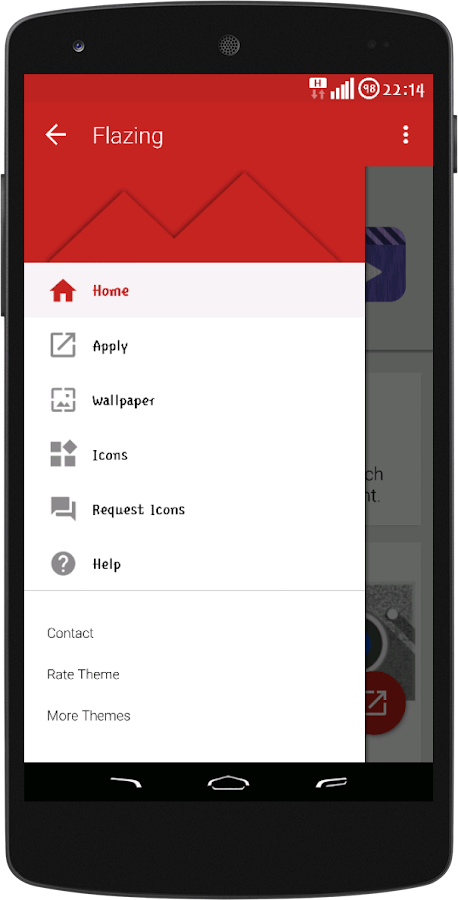
   Flazing - Icon Pack- screenshot


   Flazing - Icon Pack- screenshot

   Flazing - Icon Pack- screenshot

   Flazing - Icon Pack- screenshot

   Flazing - Icon Pack- screenshot

   Flazing - Icon Pack- screenshot

   Flazing - Icon Pack- screenshot


   Flazing - Icon Pack- screenshot

   Flazing - Icon Pack- screenshot


DOWNLOADING LINKS


ENJOY
KEEP VISITING

Sunday, 5 July 2015

How To install Xperia Music in Any Android

How to install Xperia Music app in Your Android device (Root Needed)...

•First of all you have to root your Device
•Then Go to Es File explorer then on Root explorer
•Then go to system/app folder
•Then delete music.apk
•Then Download xperia Music apk from Here.
•Rename that downloaded music file to Music.apk by es file explorer
•Move it to System/app folder
•Then Give permission like  below screenshot.

•Reboot Your Phone
•Enjoy
Note-
You can use dolby or Viper4 Android For Best Music Quality
Bt i Will tell you to use Viper4Android

Some Screen Shots :


Enjoy☺
Keep visiting
Our official website link Here

To join us on Facebook Click here.

Saturday, 4 July 2015

Zooper Widget 2.5 Pro Cracked Apk Is Here !


Zooper widget pro


Minimal, classy, extremely customizable, and battery friendly “Do It Yourself” widget with almost limitless possibilities!
Baterry – Zooper Widget has been built from ground up with battery in mind; nothing will be done while your phone sleeps, no weather will be updated if you have no weather information on screen, and no location will be updated if you do not ask it to.
Memory –Zooper Widget does not use much memory when it’s running – even with 10 widgets on your screen it won’t exceed more than 10 megabytes. However, during configuration RAM usage can climb up to 25mb. This is normal and the space will be released shortly after config is closed. If you’re using Bitmaps, due to the heavy caching, usage will be higher.
Key Features
Sample templates included, no need to download anything else
Some custom fonts already included, additional can be added on sdcard/fonts
Create your templates easily, no functional limit, tons of variables and controls
WYSIWYG editor with layers like Photoshop / Gimp
Build your style and change everything: color, text, shapes, position and more!
Completely customizable date and time (day of the year, week number, number to text…)
Date calculations (countdown, time to or from any date, calendar event or system attribute)
Full Math expressions supported (like Star Trek stardate)
Battery info (remaining time, percentage, temperature, voltage)
World clock (multiple timezones on the same widget)
Weather for current or multiple locations on the same widget
Up to 5 days forecast from multiple providers (Open Weather Map, YR.NO)
Calendar info with free customization
System info, like uptime, next alarm, SD card space
WiFi network name, cell operator, signal strength, connection type
Network traffic data stats for current day, week, month and more
Missed calls, unread SMS, unread GMail (multiple accounts and labels)
Sunrise, Sunset and Astrological Nautical or Civil twilight
Moon Rise, Set and Illumination percentage
Series for days, months and more!
Completely dynamic and customizable TTF and PNG iconsets
Static Bitmaps (PNG with alpha and JPG)
Progress Bars customizable with any numeric variable such as min/max and value
Tasker integration (see website)
Jelly Bean lock screen support
Pro Features
No Ads
Widget on tap action / config lock (and “module” click action)
Load and Save templates on SD card
APK themes support
Buzz launcher support
How to install?
Save the downloaded .apk on your android phone’s SD card
Run and install it
That’s it,Enjoy!

Screenshot :-


Downloading Links :-

To connect with us on Facebook Click 

Our official website is also here...

Keep visiting ☺


IM Launcher-Android M Launcher Prime v1.3 APK Is Here ! [LATEST]


IM Launcher-Android M Launcher prime
IM Launcher is a well polished, highly customizable Android M style launcher,IM Launcher is Fast, Cool, Powerful, bring you the latest Android M(Android 6.0) launcher experience!
features:
Android M(Android 6.0) style drawer, vertical with A-Z category
 Nice Circle transition animation
 Features to hide app, create folders, sort app and more
 And drawer has Quick A-Z right-sidebar to help to quickly locate app; it also support multi groups(multi tabs)
How To Install
Download And Save Apk Of This Launcher To Your Phone
Install It
Set Default Home Launcher
That’s All. Done ☺

Screenshot :-


To connect with us on Facebook group Click here and Join ...

Friday, 3 July 2015

(UPDATED) MX Player Pro v1.7.41.nightly.20150626 Patched (AC3 And DTS Support By Default)


MX Player – The best way to enjoy your movies. 

a) HARDWARE ACCELERATION – Hardware acceleration can be applied to more videos with the help of new H/W decoder.
b) MULTI-CORE DECODING – MX Player is the first Android video player which supports multi-core decoding. Test result proved that dual-core device’s performance is up to 70% better than single-core devices.
c) PINCH TO ZOOM, ZOOM AND PAN – Easily zoom in and out by pinching and swiping across the screen. Zoom and Pan is also available by option.
d) SUBTITLE GESTURES – Scroll forward/backward to move to next/previous text, Up/down to move text up and down, Zoom in/out to change text size.
e) KIDS LOCK – Keep your kids entertained without having to worry that they can make calls or touch other apps. (plugin required)

Subtitle formats:
– DVD, DVB, SSA/*** Subtitle tracks.
– SubStation Alpha(.ssa/.***) with full styling.
– SAMI(.smi) with ruby tag support.
– SubRip(.srt)
– MicroDVD(.sub)
– VobSub(.sub/.idx)
– SubViewer2.0(.sub)
– MPL2(.mpl)
– PowerDivX(.psb)
– TMPlayer(.txt)
– Teletext
– PJS(.pjs)
– WebVTT(.vtt)

What’s New
Fixed subtitle download error while playing network media.
Added Malayalam translation.


This app has NO advertisements

Note :- 

Patched version, no Lucky Patcher or Google Play MOD needed!
Please remove all previous version and codec at first!!!

* Make a backup of your current version’s data/setting (if necessary)
** Restore your backup data/setting (if necessary)
credits OsitKP

Integrated AC3 And DTS support by default in this release! No need to separately install the additional codec pack for AC3 And DTS support!

Downloading links :-

Download MX player pro (12.6 mb)  |  Mirror links

Enjoy
Keep visiting
If you have any problems and I am not reply in this blog then simply visit Here